To hide or show an element use visibility('elementId',condition)
'elementId' - This is element ID, you have to create an "id" for the element which you want to hide. The "id" should put in "class" like this class="Any name you want" and now to trigger you have to put the same id in the function like this visibility('the id which you put in class',condition).
condition - It defined whether the element should hide or show, to defined it use true/false like this visibility('elementId',true/false) don't use '' in condition.
The end result should like this:
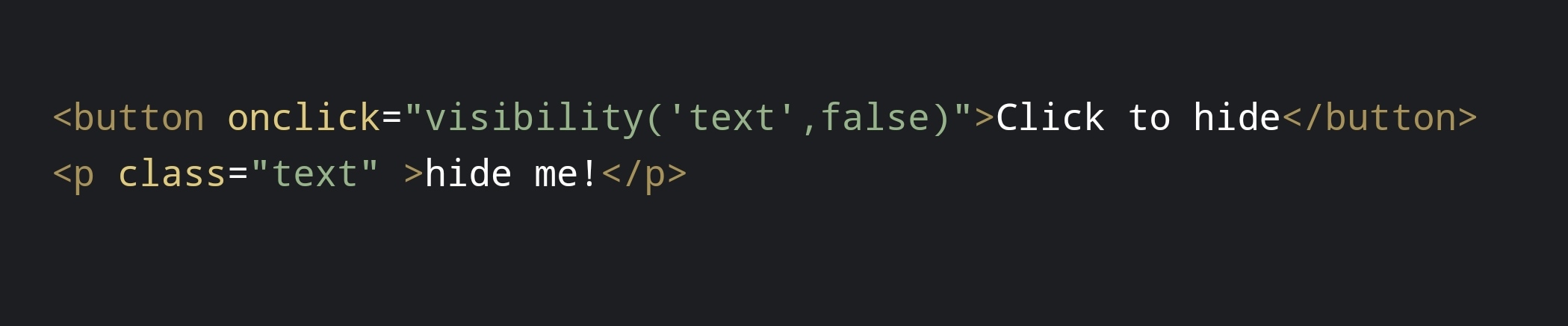
In this the button is the trigger/event with the function visibility('text',false) and paragraph is the target with id class="text".
When the button click the paragraph will hide.
hide me!
Create more, code less